Enable the Tenable One OT Exposure System
After completing the license activation, Tenable One OT Exposure displays the Enable button.
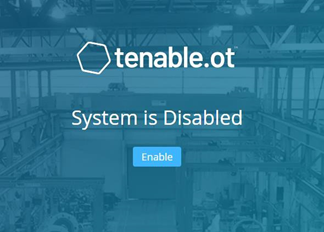
Enable Tenable One OT Exposure in order to activate the system’s core functionality, such as:
-
Identifying assets in the network.
-
Collecting and monitoring of all network traffic.
-
Logging 'Conversations' on the network.
You can view all compiled data and analysis from these functionalities in the user interface.
You can configure and activate additional functions such as Active Queries on the Settings window in the Management Console (user interface). For more information, see Active Queries.
To enable Tenable One OT Exposure:
-
Click Enable.
Tenable One OT Exposure enables the system and shows the Dashboard > Risk window.
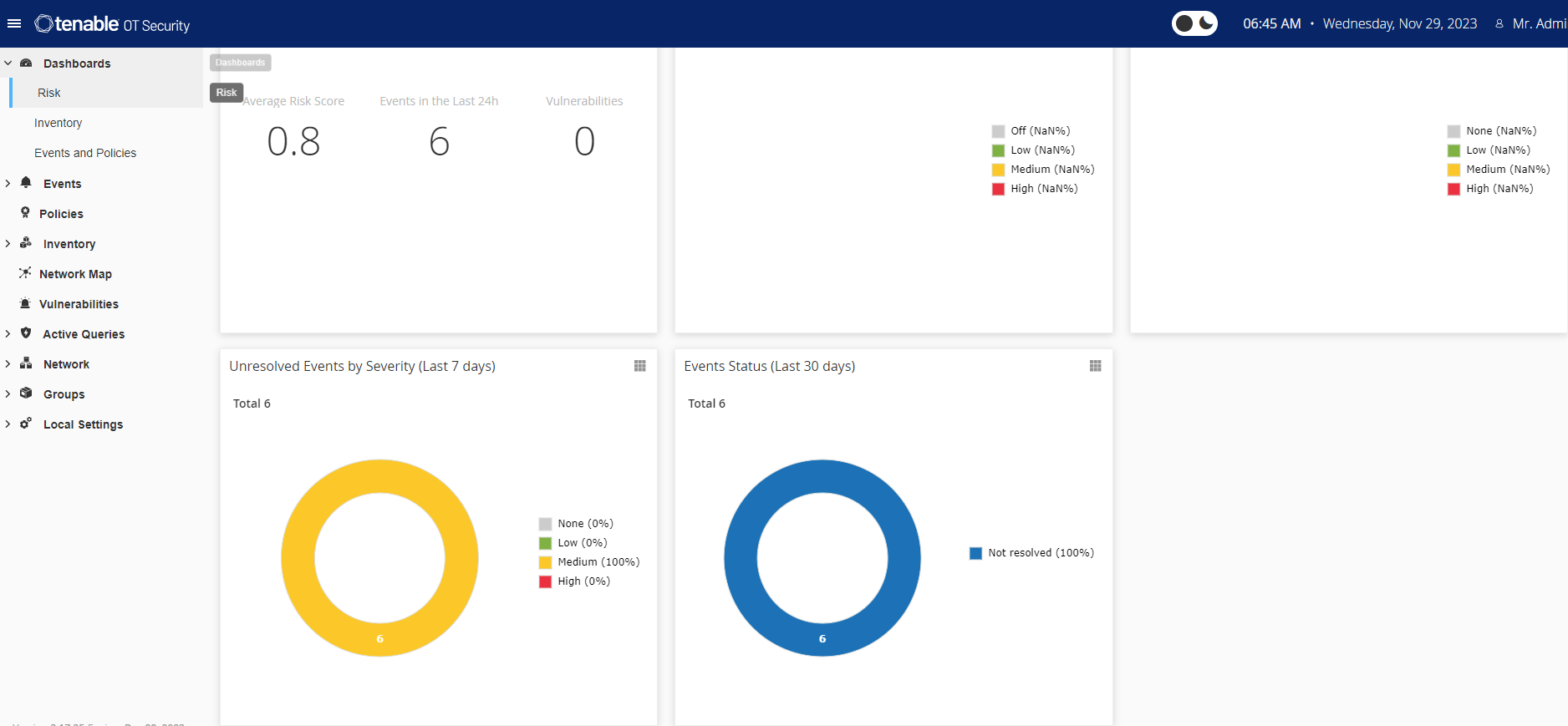 Note: It takes a few minutes for the system to identify your assets. You may need to refresh the page to start showing the data.