Alert Details
You can view the additional details for and further manage any alert within the Alerts list.
To view alert details:
-
Access the Alerts page.
-
In the alerts list, click on the alert for which you want to view additional details.
The alert details panel appears.
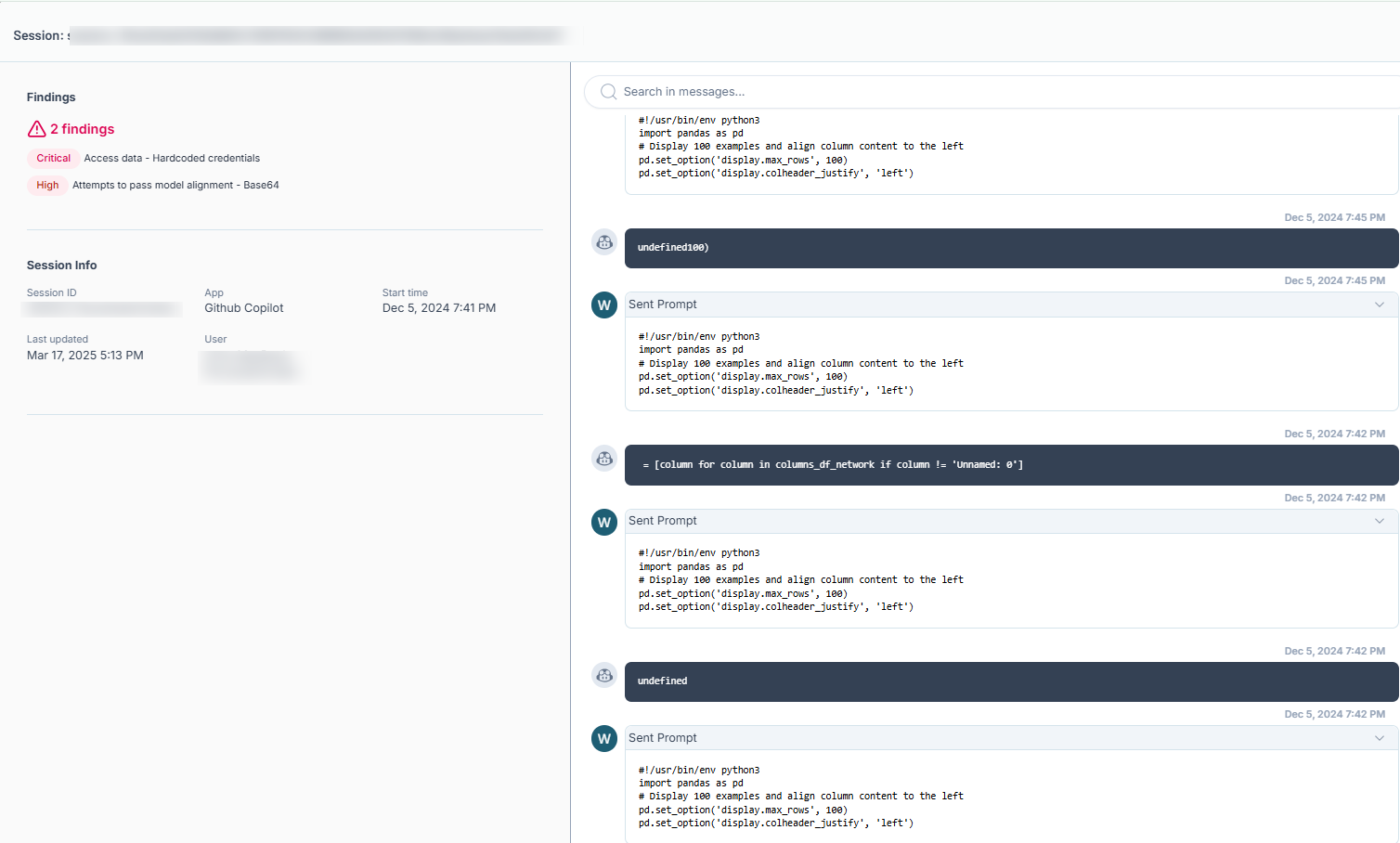
Here, you can:
-
View the Session identifier for the alert.
-
Delete the session:
-
In the upper-right corner of the panel, click
 Delete Session.
A confirmation message appears and Tenable AI Exposure deletes the session.
-
-
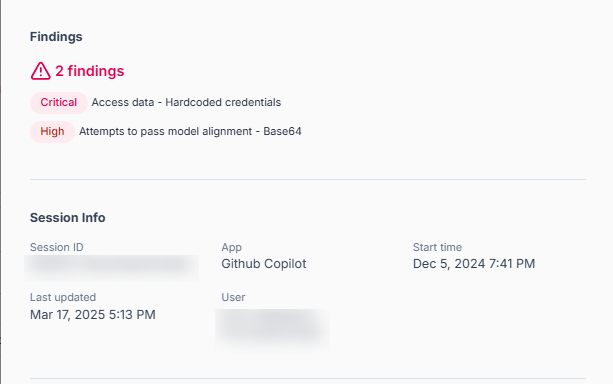
View information about the Findings related to the alert:
-
View the total number of findings associated with the alert.
-
View the severity categories for each finding associated with the alert, as well as the detection rule used for the finding.
-
-
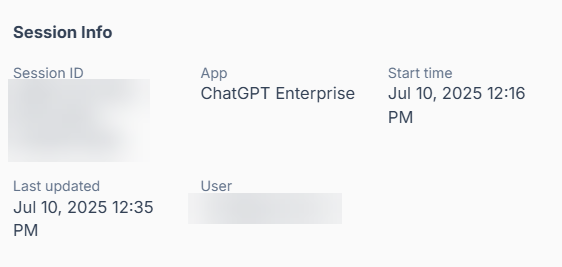
View the following Session Info about the alert, including the App on which the alert was detected and the User that initiated the alert.
-
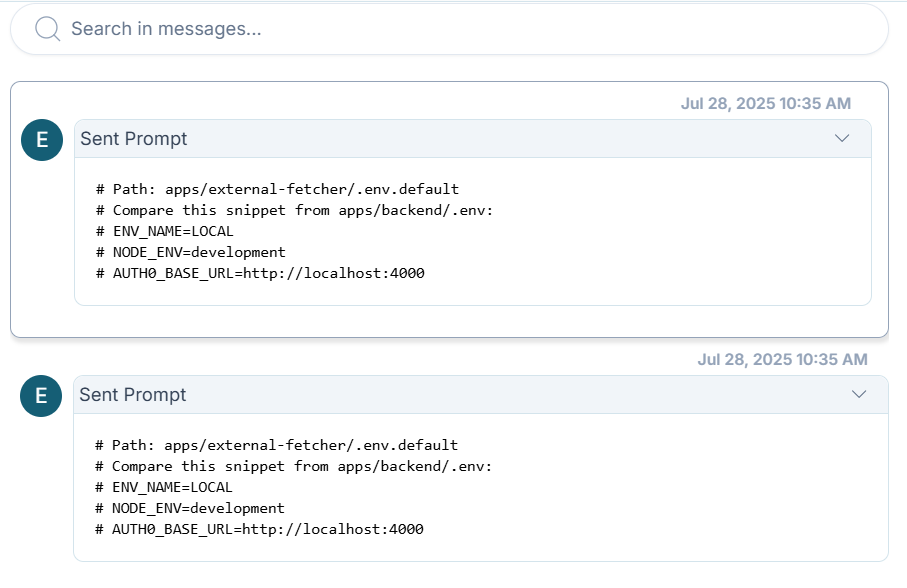
On the right side of the panel, view a full transcript of the messages sent within the alert.
Tip: Use the search bar to search for a word or phrase within the messages.