Integrations
The Integrations tab in the Settings section of Tenable One AI Exposure allows you to view and manage all of your integrated AI applications. Once you have configured an integration for use with Tenable One AI Exposure, the application automatically ingests data from that application. Then, you can identify and mitigate risks related to your use of these applications.
After you integrate your AI application with Tenable One AI Exposure, it can take up to 24 hours for your data to populate. For high volumes of data, the process may require additional time.
After the initial synchronization, the system synchronizes data every 15 minutes.
To access the Integrations page:
-
In the left navigation menu, click Settings.
The Settings page appears. By default, the Integrations tab is selected.
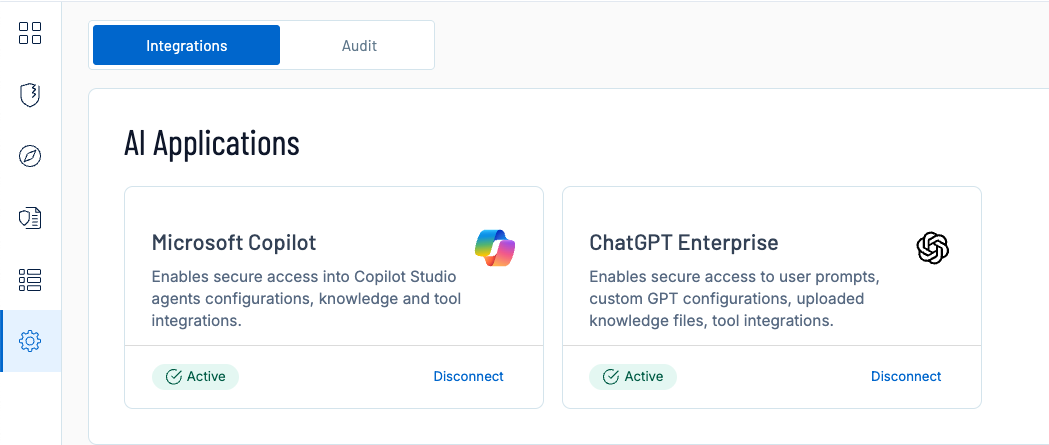
You can configure the following AI applications for use with Tenable One AI Exposure: