API Account and Group
The following steps help you to configure an API account and group.
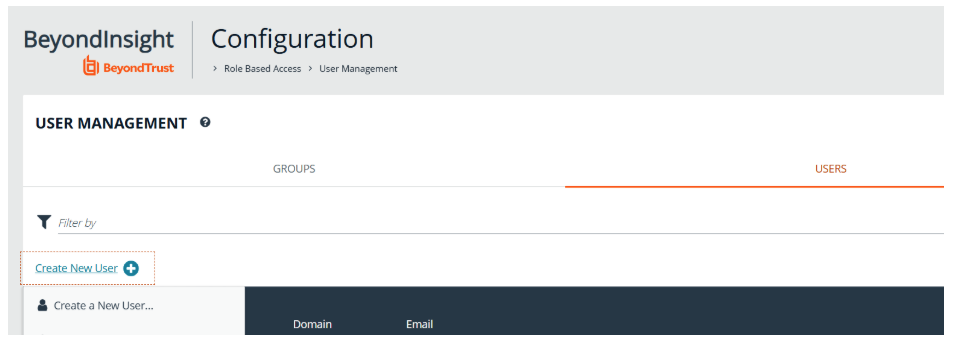
To create a new local account, or use an existing one:
-
Navigate to Configuration > User Management.
-
Click the Users tab.
-
Click Create New User.
To create a new group, or use an existing one:
-
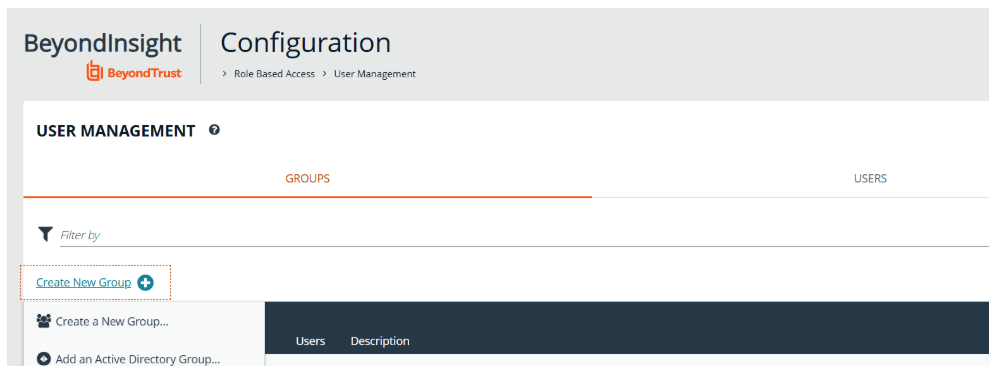
Navigate to Configuration > User Management.
-
Click the Group tab.
-
Click Groups.
-
Select Create New Group.
-
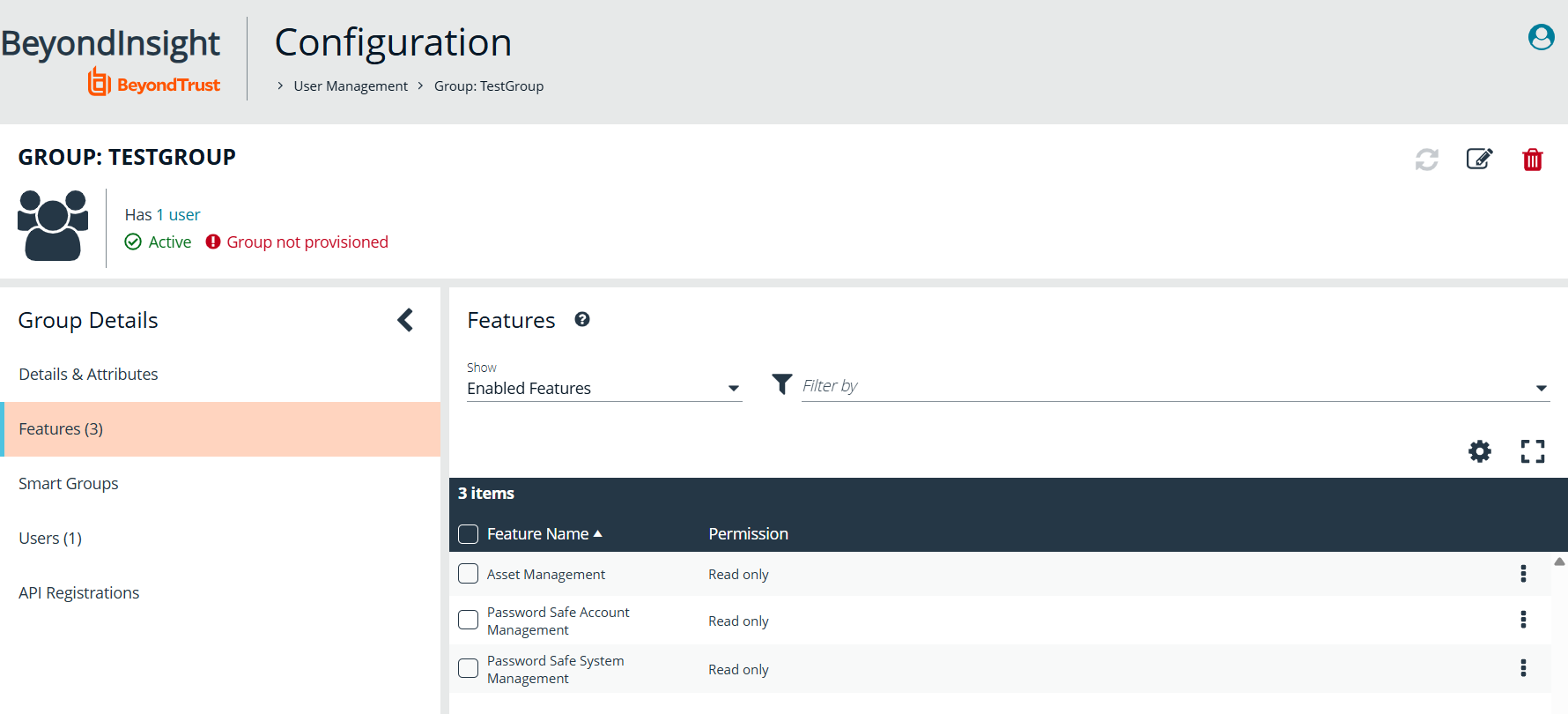
Provide the group name, and ensure the following features are enabled as read only:
-
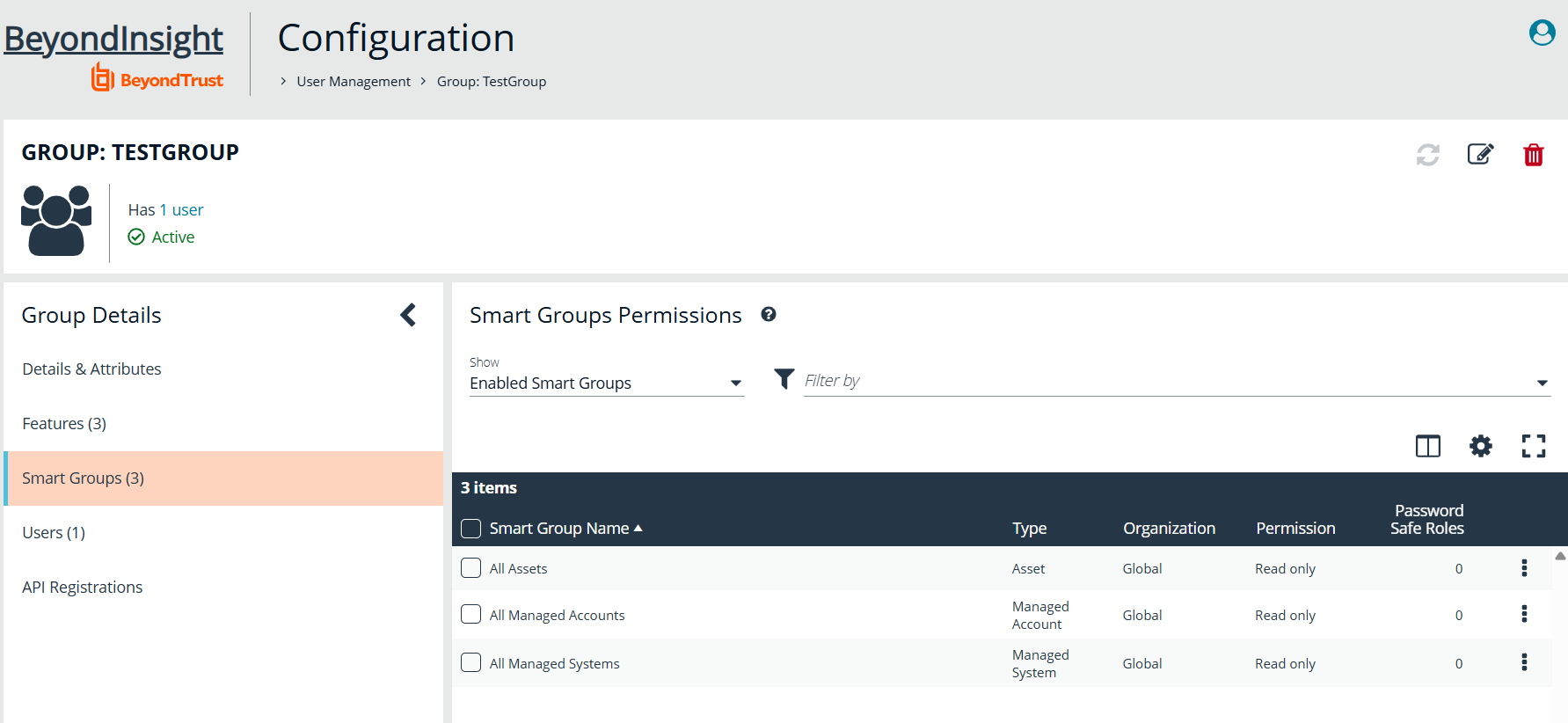
For Smart Groups, ensure the following are enabled with read only permission:
-
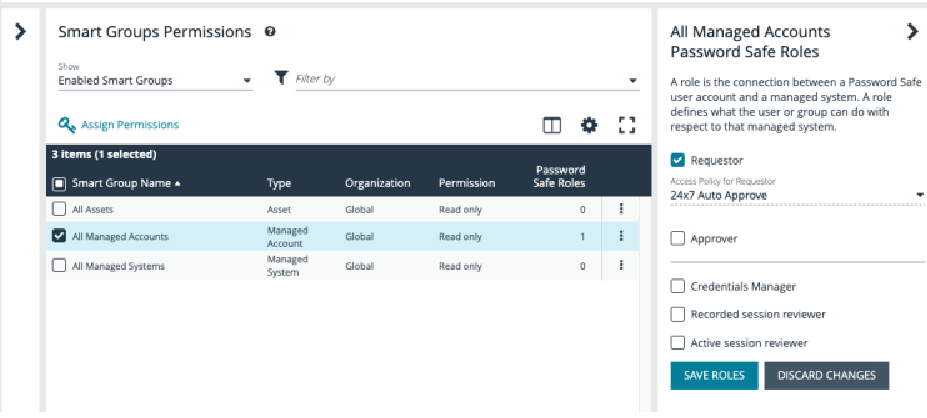
For All Managed Accounts, click on the ellipses to the right and select Edit Password Safe Roles.
-
Select Requestor and select an Access Policy that applies to the managed account that is used for the scan.
-
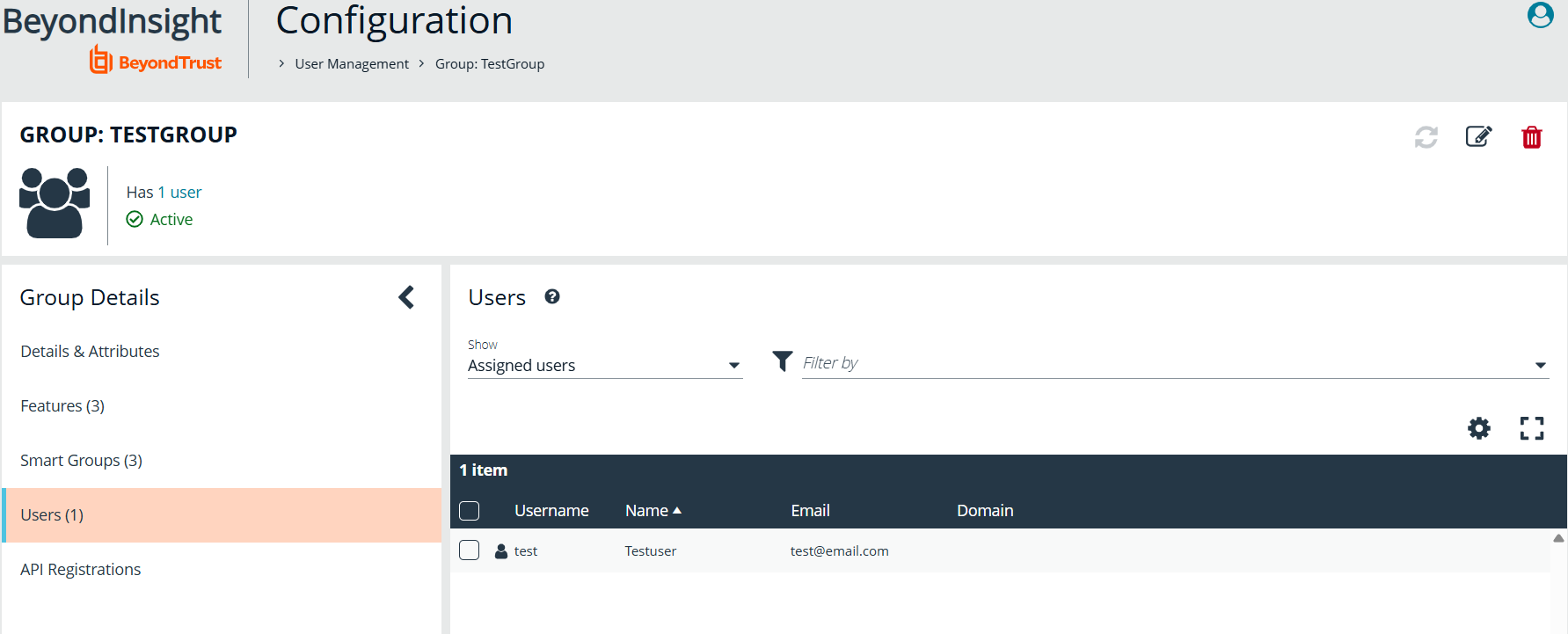
Ensure the API user you created in the previous step is added to the group.
-
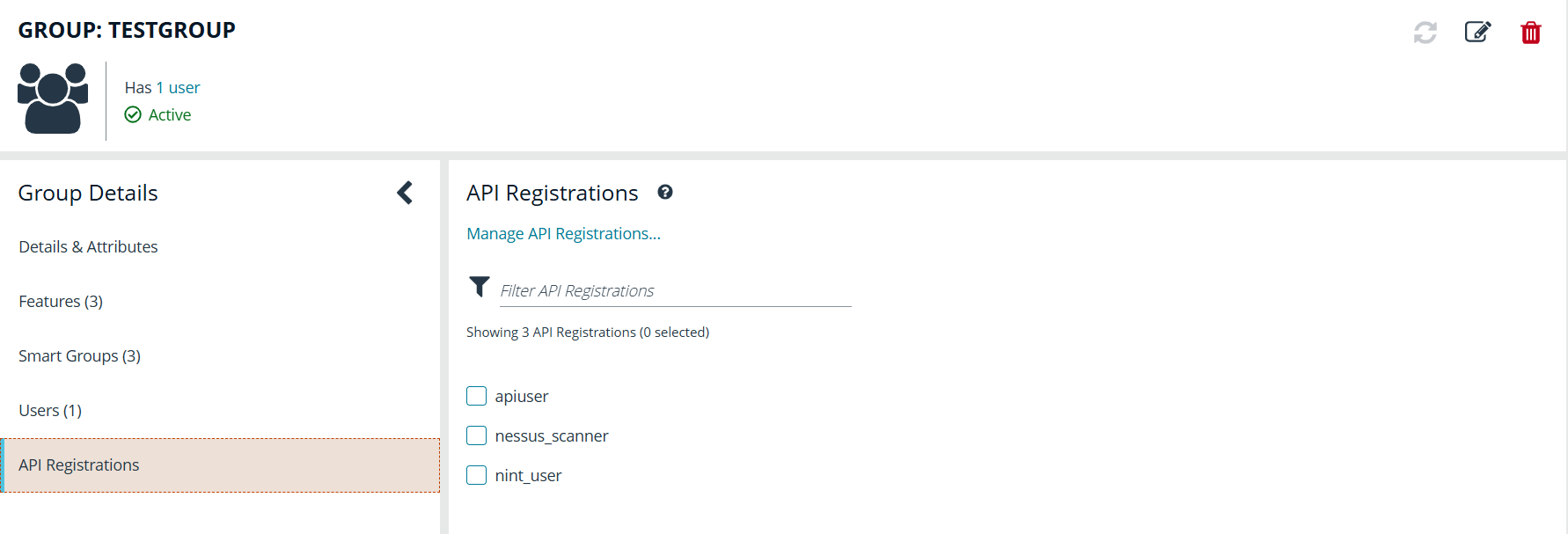
Finally, assign the API that was registered for this integration to this group.