Device
The Tenable One OT Exposure setup wizard takes you through the configuration of the basic system settings.
Note: You can modify the configuration if necessary in the Settings screen in the Management Console (user interface).
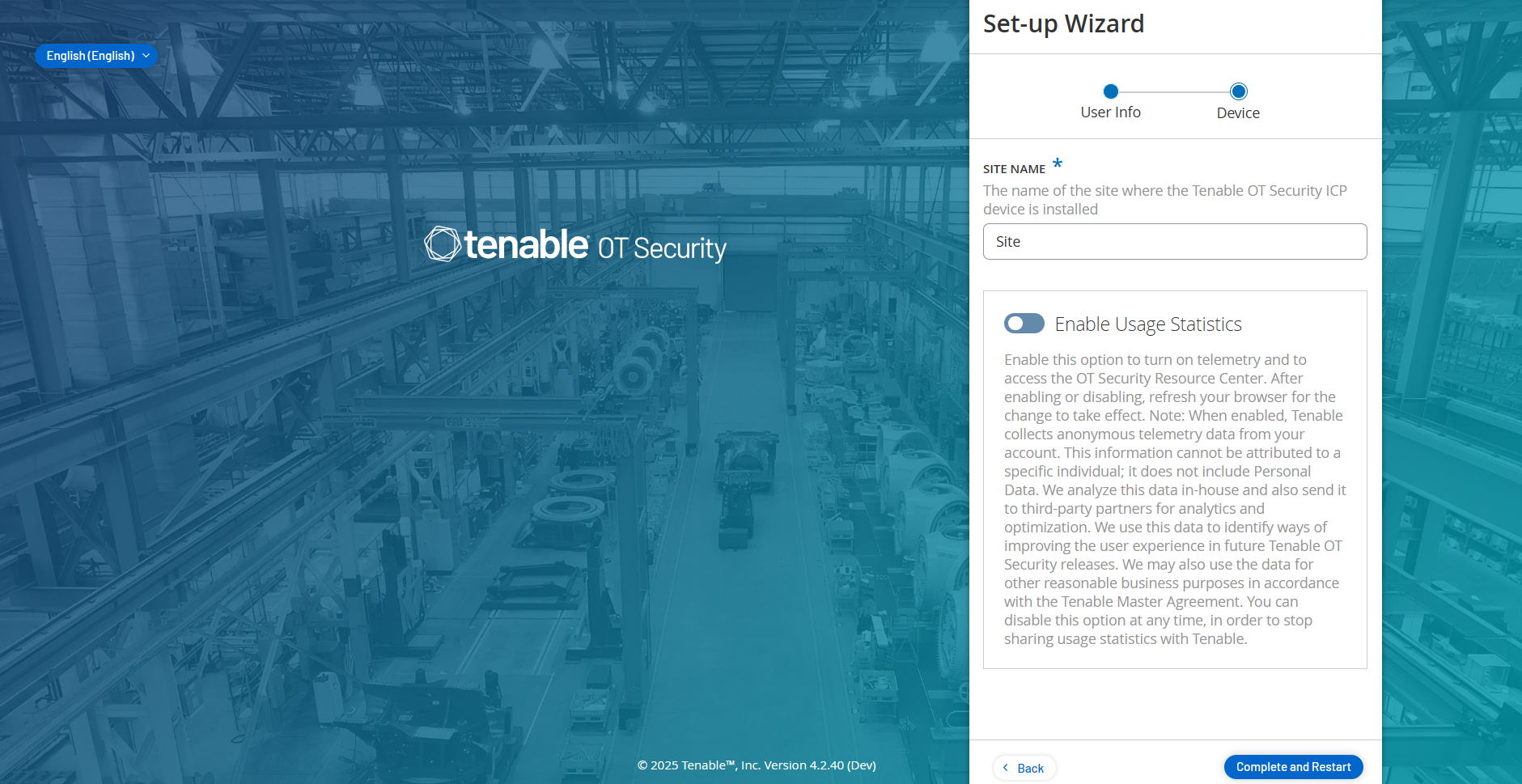
On the Device page, provide information about the Tenable One OT Exposure platform:
-
In the Site Name box, provide the name of the site where you installed Tenable One OT Exposure.
-
(Optional) Click the Enable Usage Statistics toggle to allow Tenable One OT Exposure to collect telemetry data and to access Resource Center.
-
Click Complete and Restart.
Tenable One OT Exposure restarts.
What to do next