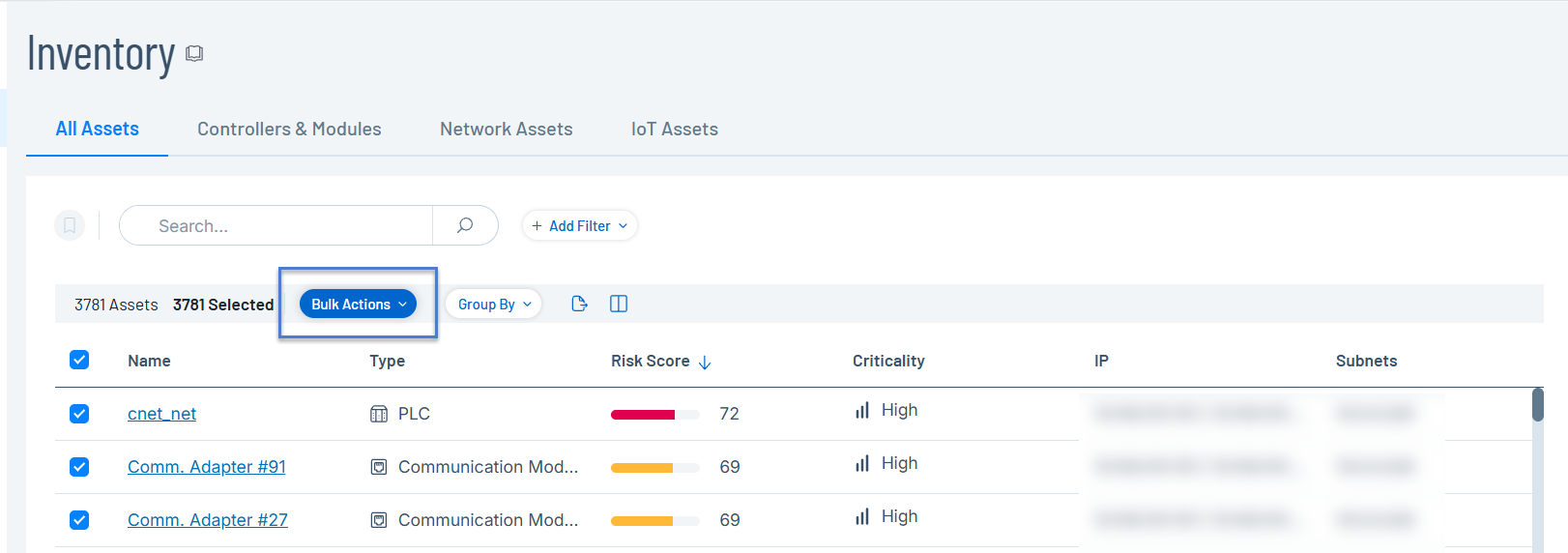
Actions Menu
Each screen has a series of actions that you can take for the elements on the screen. For example, in the Policies screen, you can View, Edit, Duplicate or Delete a Policy. In the Events screen, you can Resolve or Download Capture File for an event.
To access the Actions menu:
-
Select an element, then click Actions in the header bar.
-

Bulk Actions
When you select multiple elements on a page, Tenable One OT Exposure enables the Bulk Actions option in the header.