Log in to Tenable One AI Exposure
To log in to Tenable One AI Exposure:
- In a supported browser, navigate to https://cloud.tenable.com/. The login page appears.
- Type your Username and Password credentials.
- Click Login.
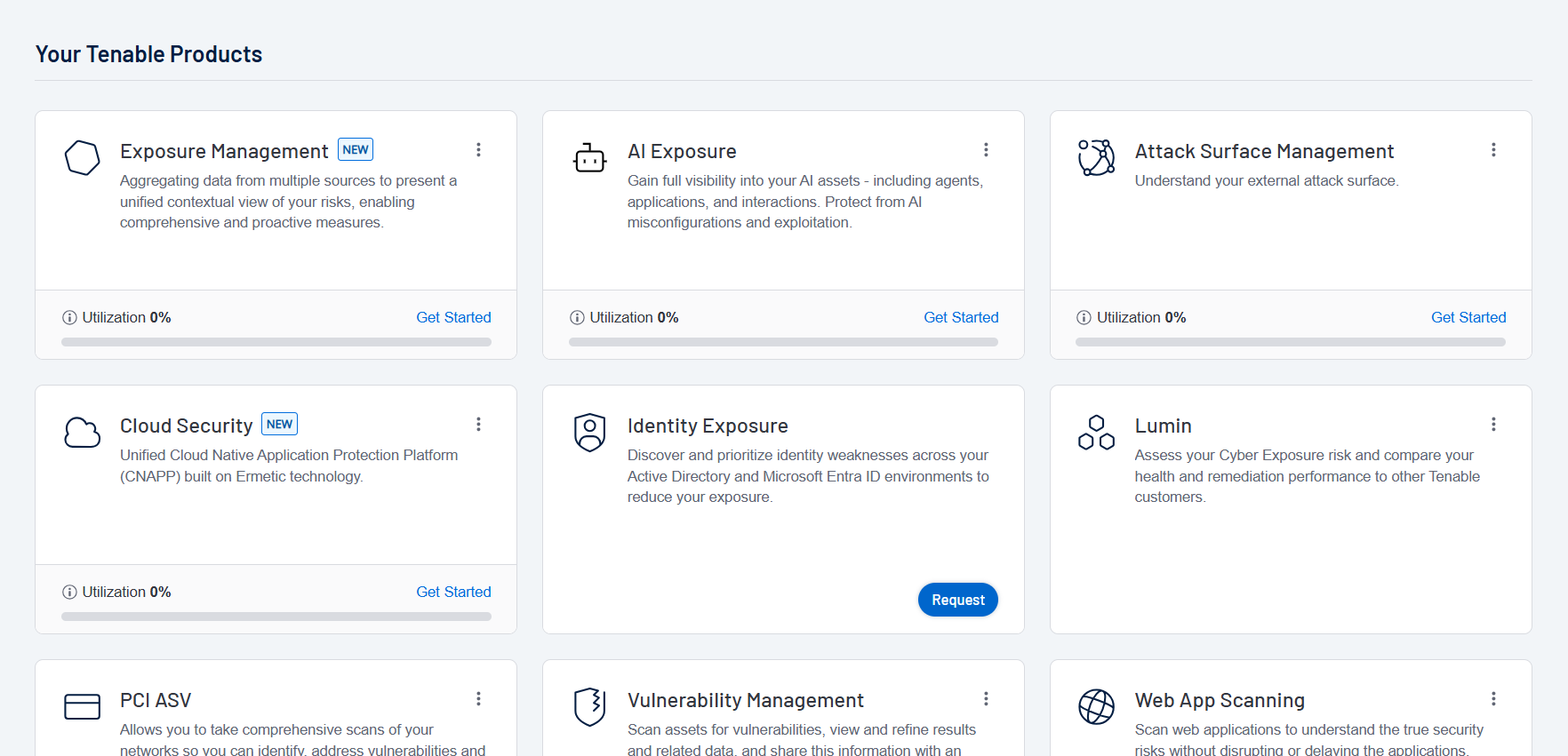
The Workspace page appears.
-
Click the AI Exposure tile.
The Tenable One AI Exposure interface appears. By default, you navigate directly to the Dashboard page.
Tip: Don't see the tile you're looking for? You may need a license for that application. See the Tenable Licensing Guide or contact your Tenable representative for more information.