Users
The Users tab within Tenable One AI Exposure gives you an overview of each user within your Tenable One AI Exposure environment and their AI usage.
To access the Users tab:
-
In the left navigation menu, click Inventory.
The Inventory page appears. By default, the Agents tab is selected.
-
Click the Users tab.
The Users tab appears.
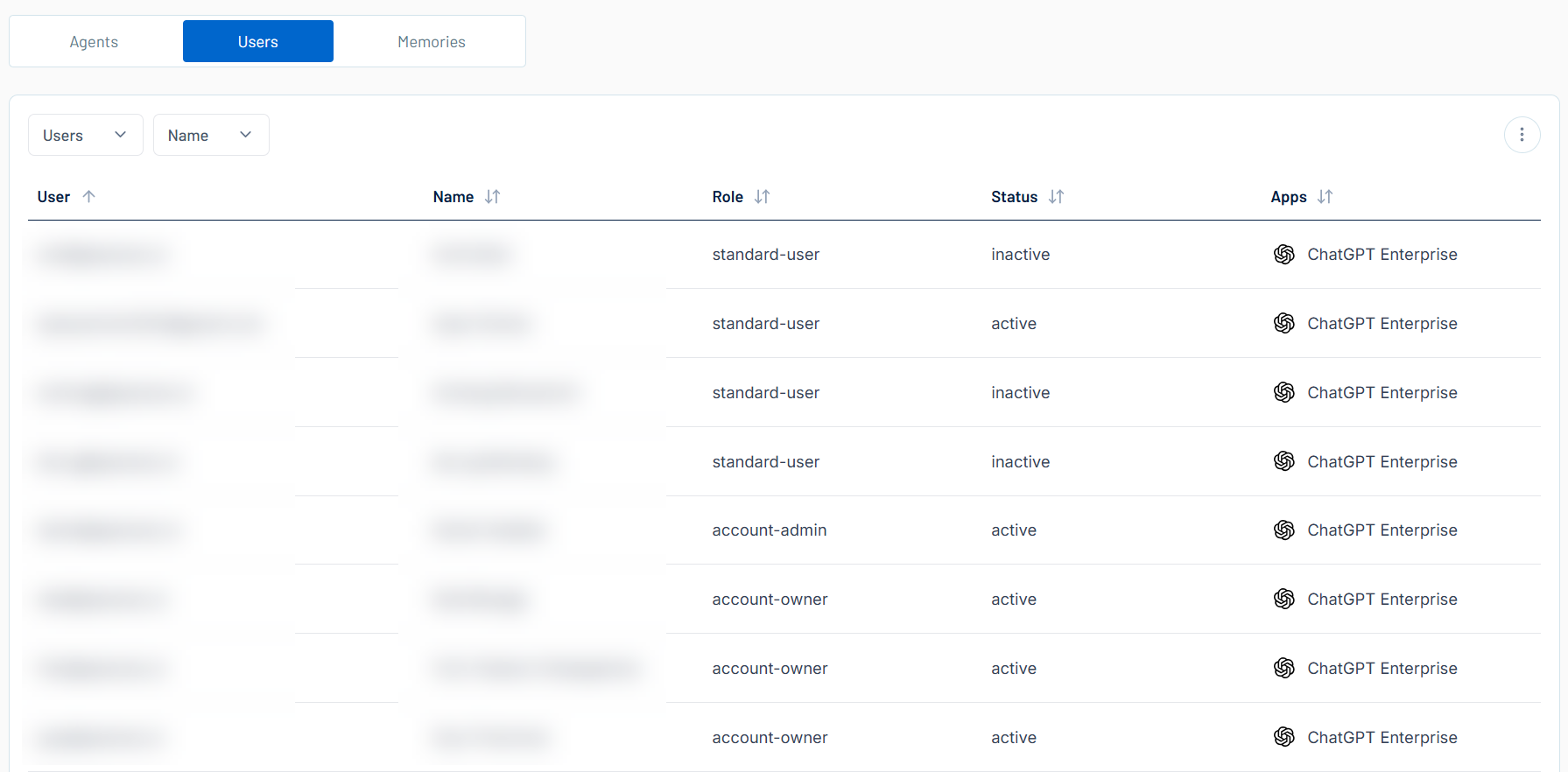
Here, you can:
-
Filter the list:
-
Above the list, use one or more of the following filters to adjust the data displayed in the list:
- Users
- Name
Tenable One AI Exposure updates the list based on your selection.
-
Click Clear Filters to clear any filters applied to the list.
-
-
Manage the columns in the list:
-
In the upper-right corner, click the
 button.
A menu appears.
-
Select or deselect columns to show or hide them within each list.
-
-
View the following information about your users:
-
User — The user identifier, for example, the user's email address.
-
Name — The full name of the user.
-
Role — The role assigned to the user, for example standard-user or account-admin.
Note: These roles are set via your AI application. For more information, see the OpenAI Help Article. -
Status — The user's status, for example, active or inactive.
-
Apps — The AI applications accessed by the user.
-
Click on any user row to view User Details for the selected user.
-