Agent Center
The following is not supported in Tenable FedRAMP Moderate environments. For more information, see the Tenable FedRAMP Product Offering.
Required User Role: Scan Operator, Standard User, Scan Manager, Administrator, or Custom Role
Agent Center is a dedicated page in Tenable Exposure Management that provides a centralized view of all routines in your instance. You can use Agent Center to monitor routine activity, review run history across all routines, and manage routines at scale.
What is a Routine?
A routine is an agentic workflow that Tenable Exposure Management runs on a defined schedule to carry out exposure management tasks across your environment — with or without human oversight. Tenable Hexa AI carries out the work as an agent, reasoning at runtime rather than following fixed steps, so your team spends less time on repetitive work and more on reducing risk.
To access the Agent Center page:
-
In the left navigation menu, click
 Agent Center.
The Agent Center page appears.
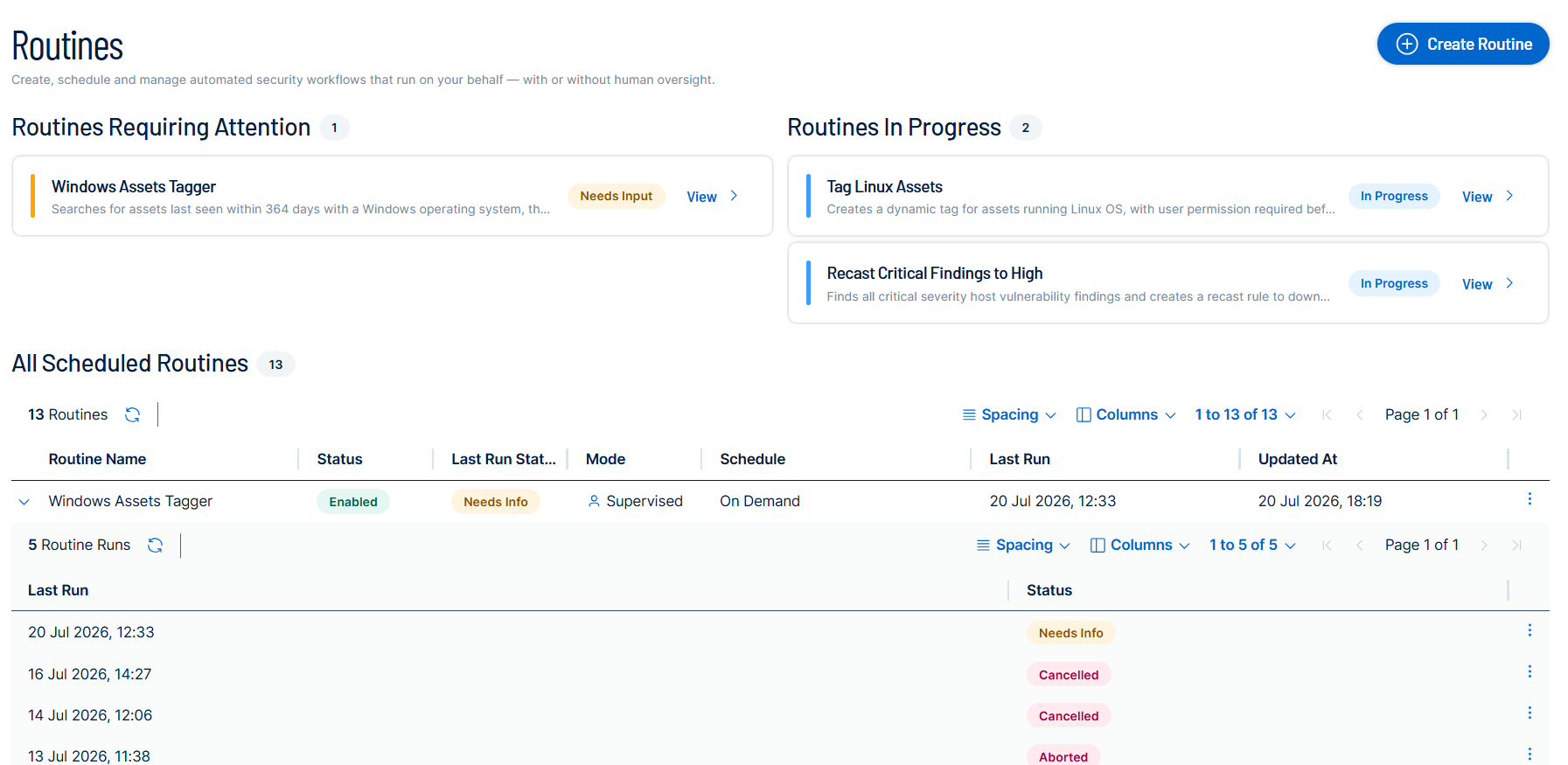
The Agent Center page includes the following:
Routines in Flight
At the top of the page, several tiles provide a high-level summary of your in-flight routine activity that may require your attention. Each tile displays a count of the routines in that state and lists the affected routines by name, along with a brief description and current status.
Routines List
The main section of the page displays a list of all routines in your Tenable Exposure Management instance. Each row represents a single routine and displays its name, current status, last run time, and whether it is enabled.
Run History
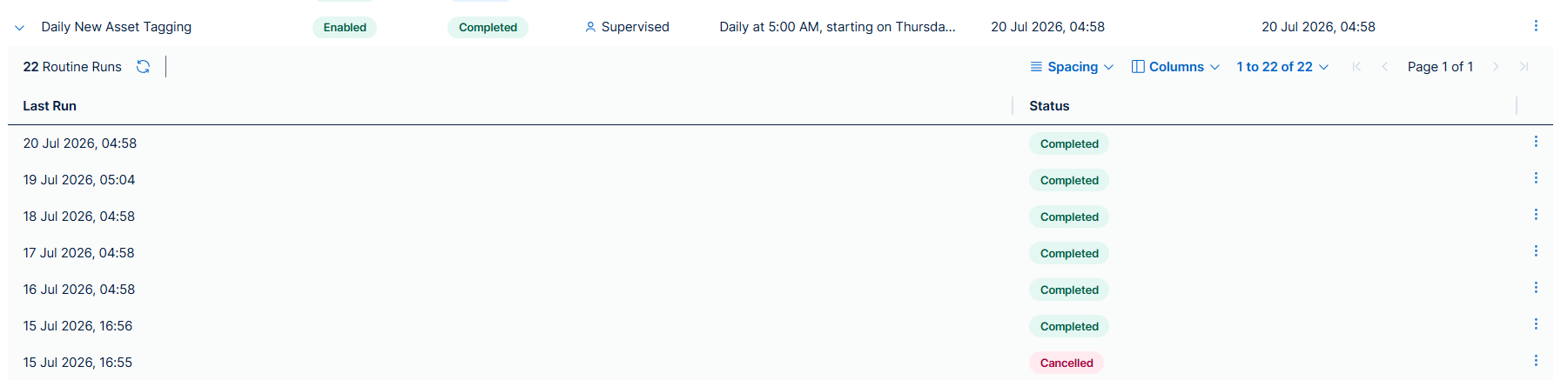
To view the run history for a routine, click the expand arrow  to the left of the routine row. The run history sub-table appears below the routine and lists each individual run, including its start time and status.
To get started, see the following topics: