Agent Details
You can view the additional details for and further manage any agent within the Agents list.
To view agent details:
-
Access the Agents tab.
-
In the agents list, click on the agent for which you want to view additional details.
The agent details panel appears.
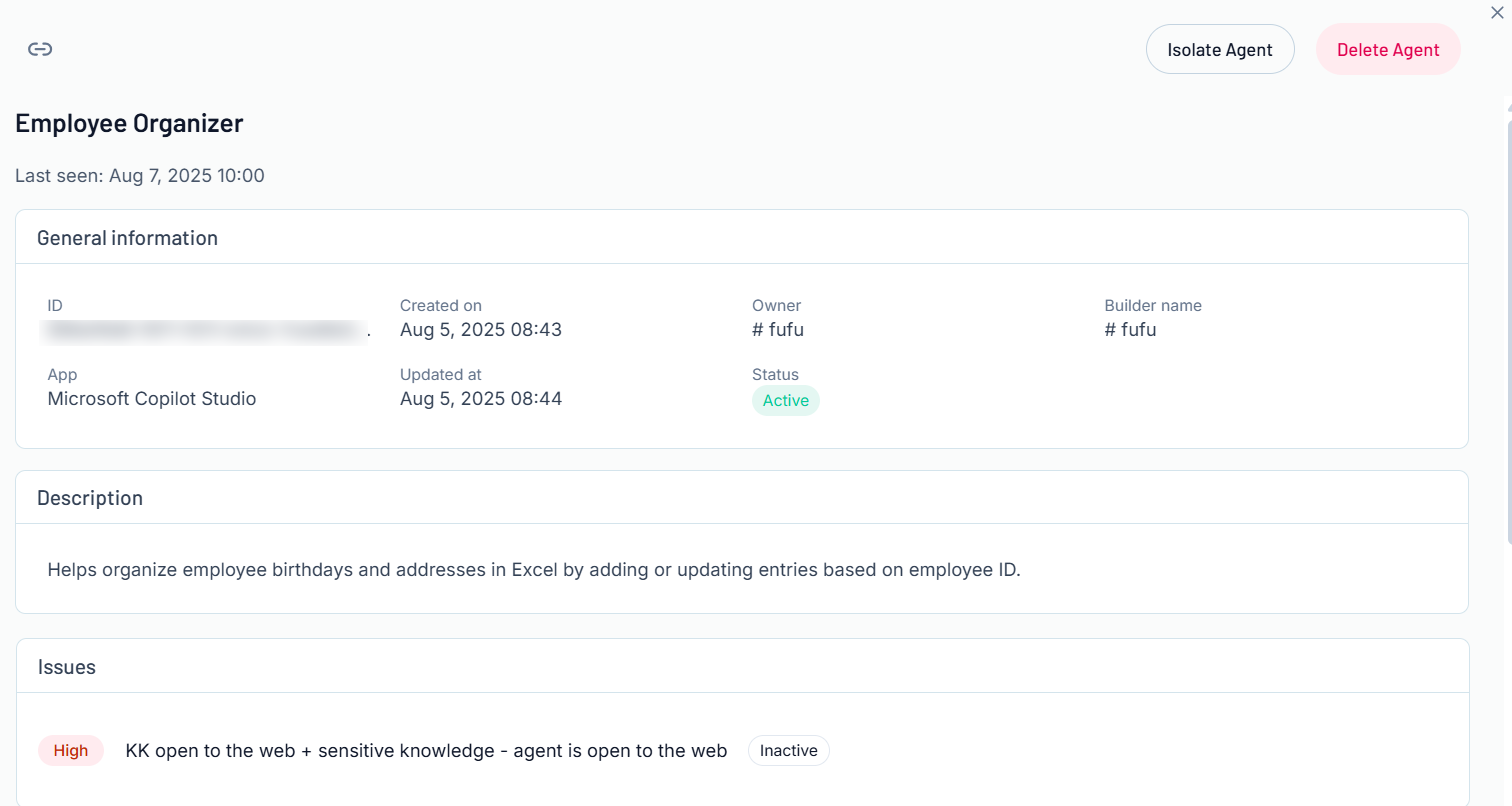
Here, you can:
-
In the upper-left corner, click the
 button to copy the link for the agent details page.
 -
View the name of the agent.
Tip: Click View Agent to navigate directly to the agent within the appropriate AI application.
 -
View the date and time at which the agent was last seen by Tenable One AI Exposure.
-
Isolating an OpenAI agent, such as ChatGPT, means the agent can only communicate with the user who created it and the users with which the agent is shared. This means the agent cannot connect through the internet, and your organization no longer has access to the agent. This helps mitigate agent risk.
-
In the upper-right corner of the panel, click Isolate Agent.
A confirmation message appears and Tenable One AI Exposure isolates the agent.
-
-
Delete the agent:
-
In the upper-right corner of the panel, click Delete Agent.
A confirmation message appears and Tenable One AI Exposure deletes the agent.
Note: When you delete or isolate an agent in Tenable One AI Exposure, it impacts the agents in the ChatGPT environment. -
-
View General Information about the agent, including the Owner of the agent and the agent's current Status.

-
View the agent Description.

-
View the Findings associated with the agent.
Tip: For more information, see Findings.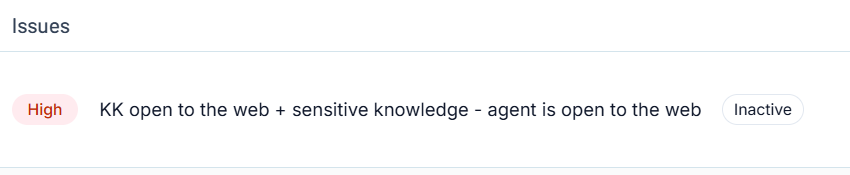
-
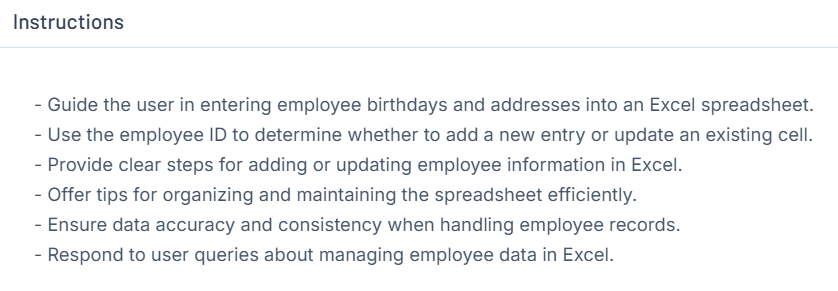
View the Instructions the agent follows to perform its tasks.
-
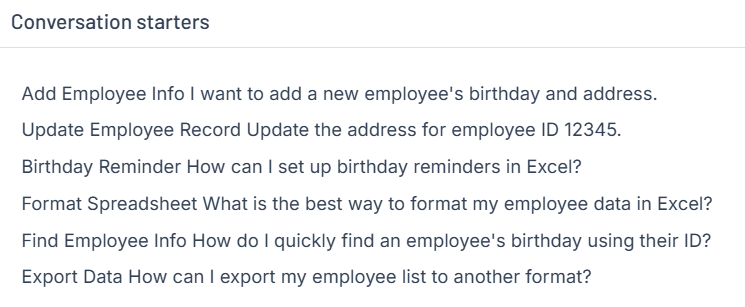
View any Conversation Starters associated with the agent.
-
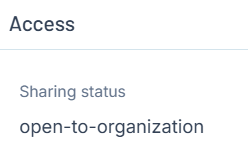
View the Access and Sharing Status of the agent.
-
View any Tools associated with the agent.