Set Up Your Environment
To set up your environment so that you can start working with Tenable One Cloud Exposure:
-
Log in to Cloud Exposure using the URL that was provided to you, based on your region.
See Product Security and Privacy for details.
Note: The region reflected in the URL determines which API endpoint is used when accessing Cloud Exposure API.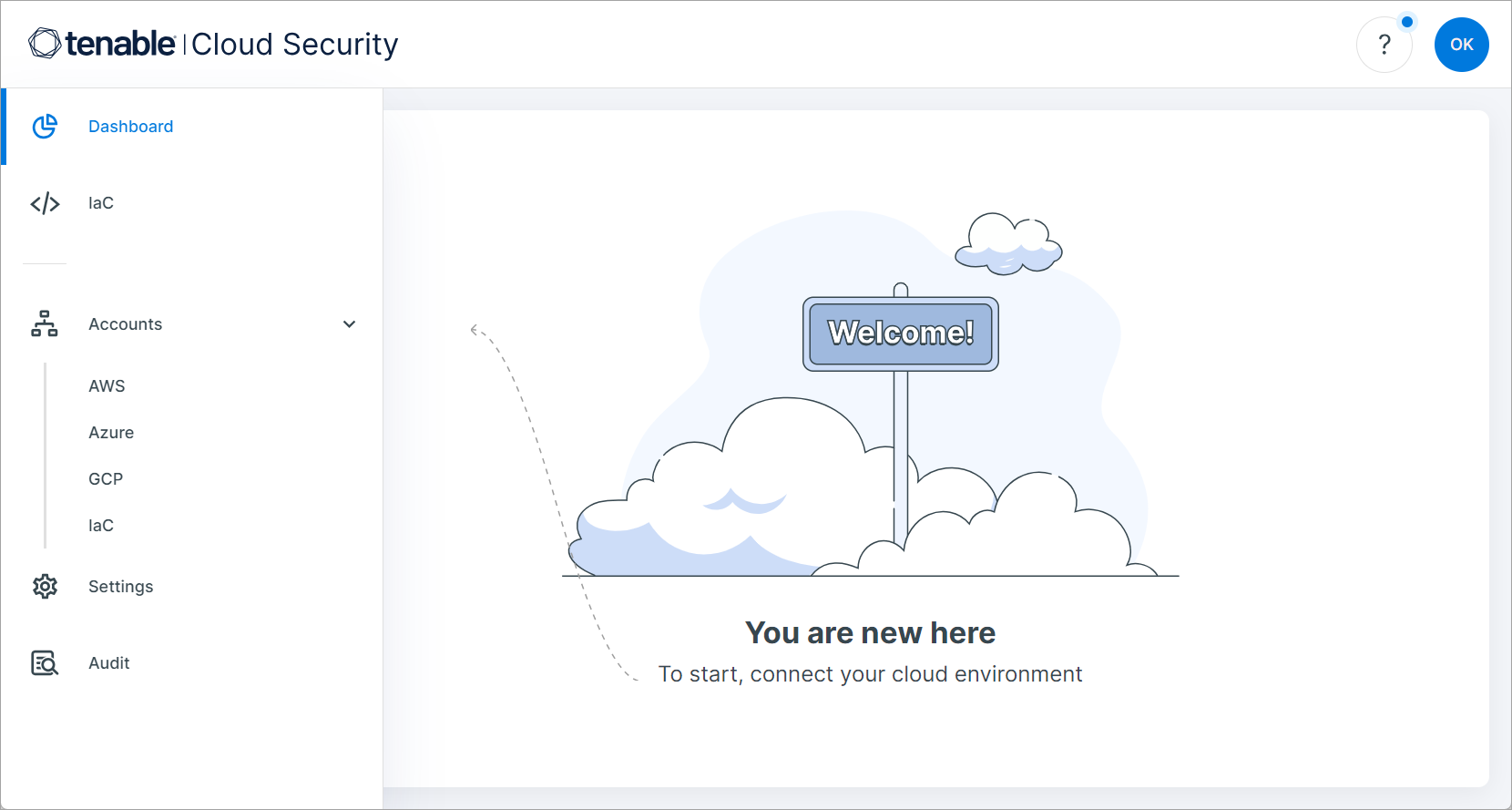
- Connect your cloud accounts to Cloud Exposure.
- Integrate your identity provider/s (IdP) with Cloud Exposure.
- Enable Cloud Exposure Console login via SSO.
- Create an account hierarchy in Cloud Exposure.
- Set up additional Users and Groups, if needed.
- Set up optional inbound and outbound Integrations.