Settings
On the Settings page, you can manage settings that affect your Tenable One Vulnerability Management experience across a range of categories.
For example, in My Account, you can enable two-factor authentication or change your organization's user groups and permissions. In Tags, you can view and edit Tenable One Vulnerability Management tags and tagging rules. Finally, in Cloud Connectors, you can manage the third-party data connectors that integrate Tenable One Vulnerability Management with other platforms.
Note: Your user role and associated privileges determine the tiles that appear on the Settings page. For more information, see Roles.
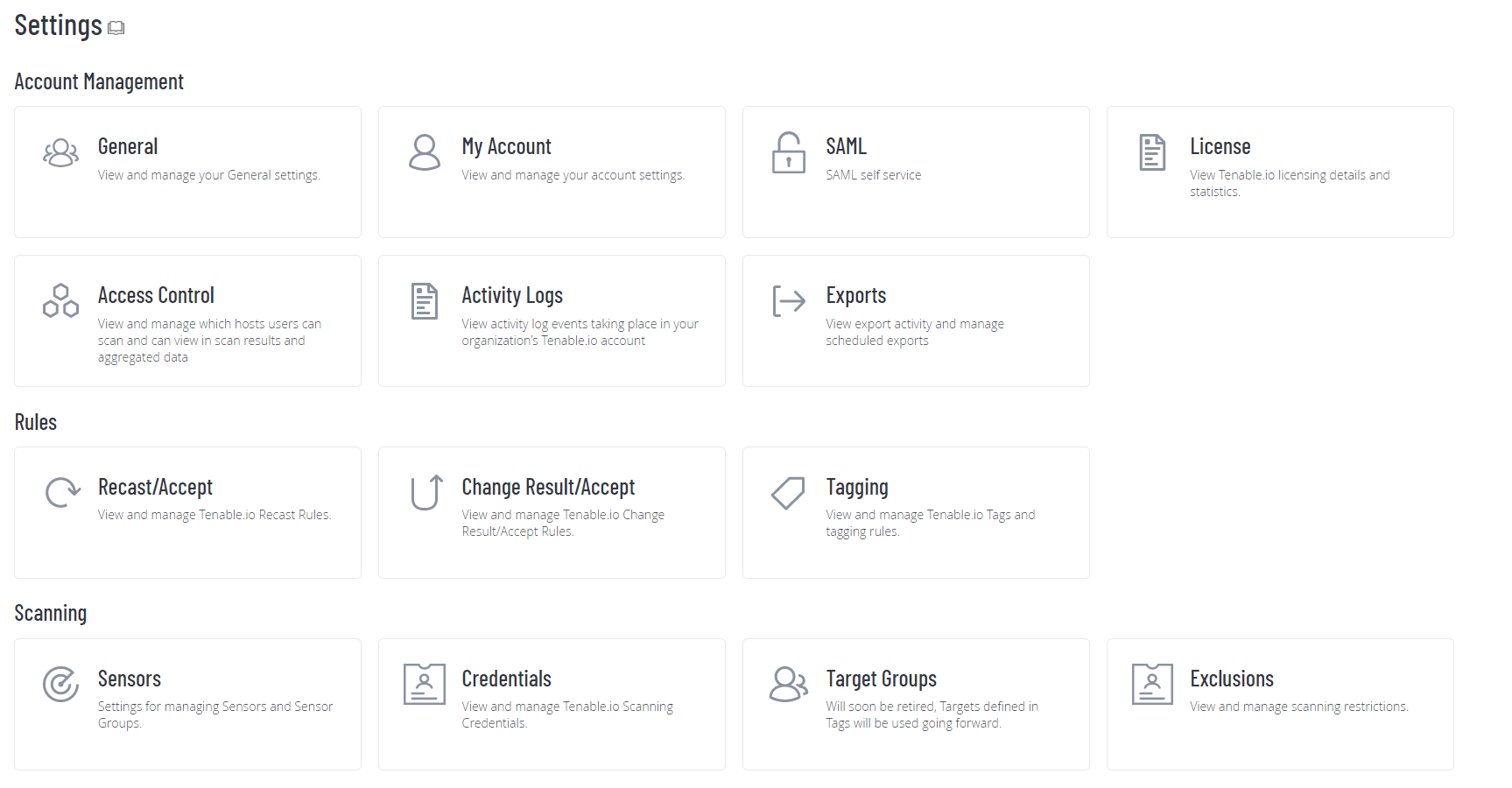
This section contains complete documentation for the Settings page and is organized to match the Tenable One Vulnerability Management interface. It contains the following topics: