Configure the SSL Keychain Password
Steps
-
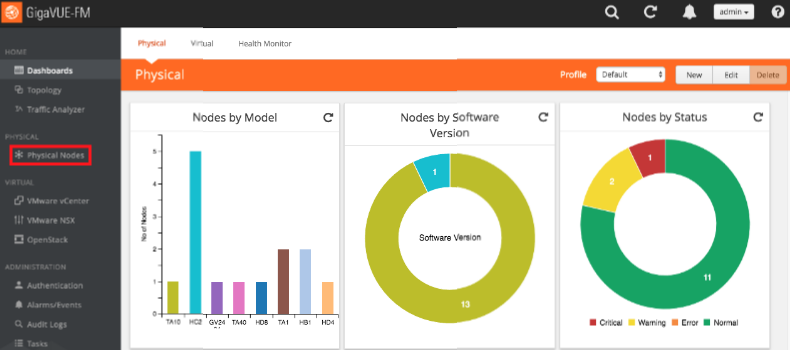
In the GigaVUE-OS interface, on the left side bar, select Physical Nodes. The Physical Nodes screen appears.
-
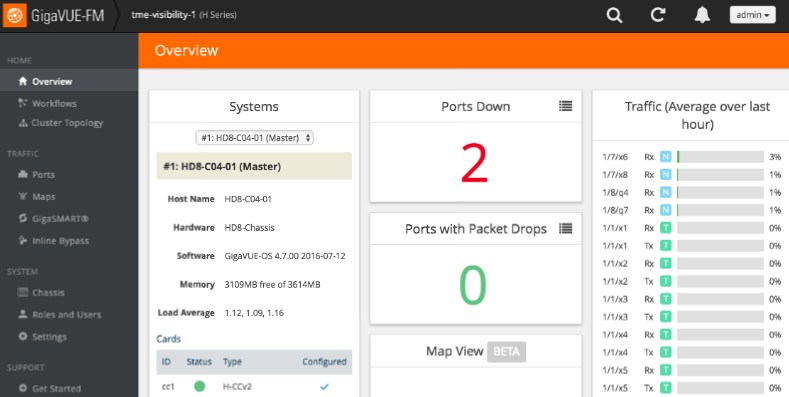
Select the Physical Node you wish to configure. The Overview screen appears.
-
On the left bar, select GigaSMART®. The GS Operations tab appears.
-
On the top navigation bar, select SSL Decryption. The SSL KEYS tab appears.
-
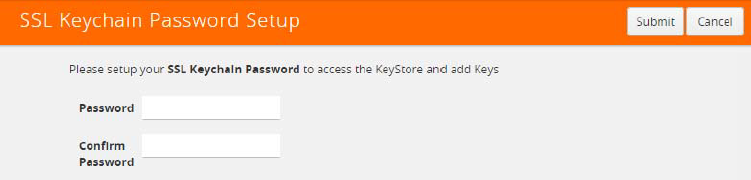
In the upper right corner, click the Password button. The SSL Keychain Password Setup page appears.
-
In the Password and Confirm Password boxes, enter a password.
-
In the upper right corner of the page, click Submit.