Integrate Slack with JIT
You can use Slack as part of the JIT workflow to allow users to easily:
Once you integrate Slack with JIT, users can request access via Slack commands, and approval requests are automatically sent via private messages to all designated approvers (assuming they have a Slack account in the configured workspace), allowing them to natively review requests in Slack. Private approval requests are sent via the Tenable One Cloud Exposure Slack app. You can also choose to send approval requests to specific Slack channels.
When Slack is enabled for JIT, relevant notifications are sent both via email and via private Slack messages. Requesters/approvers can choose whether to request/approve via the JIT Portal, or via Slack. Any action performed in either location is updated in the other as well.
Before you can enable Slack for JIT access, you need to Integrate your Slack workspace with Cloud Exposure.
Enable Slack for JIT Access
To enable Slack for JIT:
- Integrate your Slack workspace and channels with Cloud Exposure or, if needed, ensure that it has been reauthorized.
- Navigate to Settings > JIT.
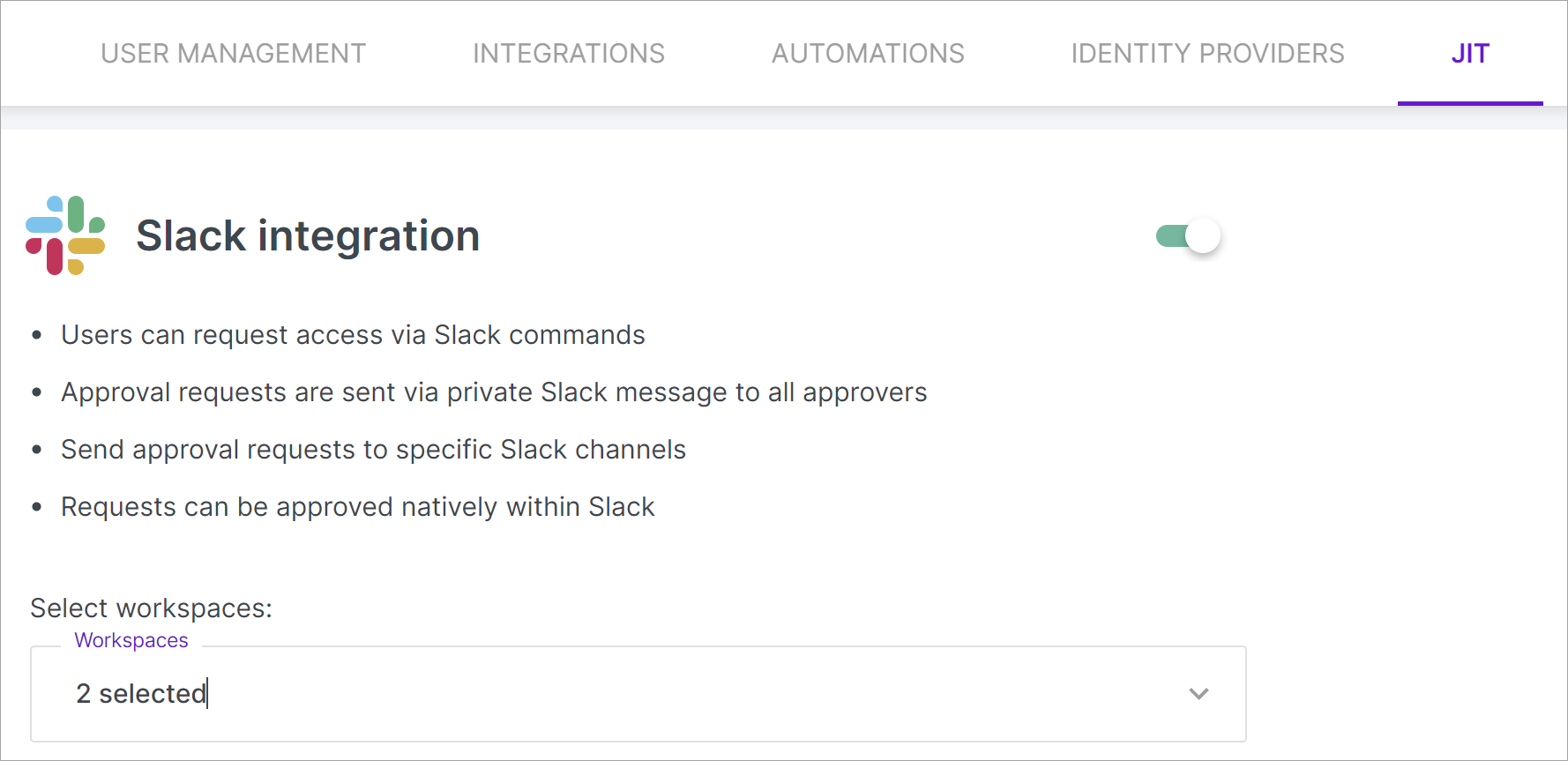
- Use the toggle button to enable Slack for JIT, and then select workspaces that you want to use as part of the JIT workflow. Only users who exist in the selected workspaces will receive Slack messages. If you select multiple workspaces, any user that exists in more than one workspace will receive messages in both locations.
 See image of Slack toggle
Who Can Use Slack for JIT?
To use Slack for JIT, a user must exist in the workspace/s that you configured when you enabled Slack for JIT. In addition, users must meet the following conditions:
- To request access via Slack — The user must be designated in an eligibility as a user/group member who can request access.
- To review (approve or deny) access via Slack — The user must be designated in an eligibility as a user/group member who can act as an Approver. Although a request sent to a Slack channel/s may be visible to a wide range of users, only Approvers can actually approve/deny the request.
Where Are Messages Sent?
-
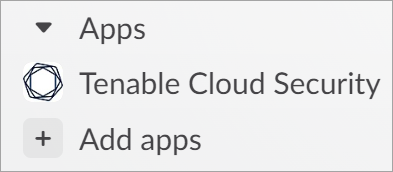
Private approval requests are sent to all designated Approvers (as defined in the eligibility) via the Cloud Exposure Slack app, which you can find in the Apps area.