View Archived Assets
Required User Role: View only, Active User, Cloud Connector Manager, or Business Administrator.
You can view and filter archived assets.
To view archived assets:
-
In the left navigation bar, click the
 button.
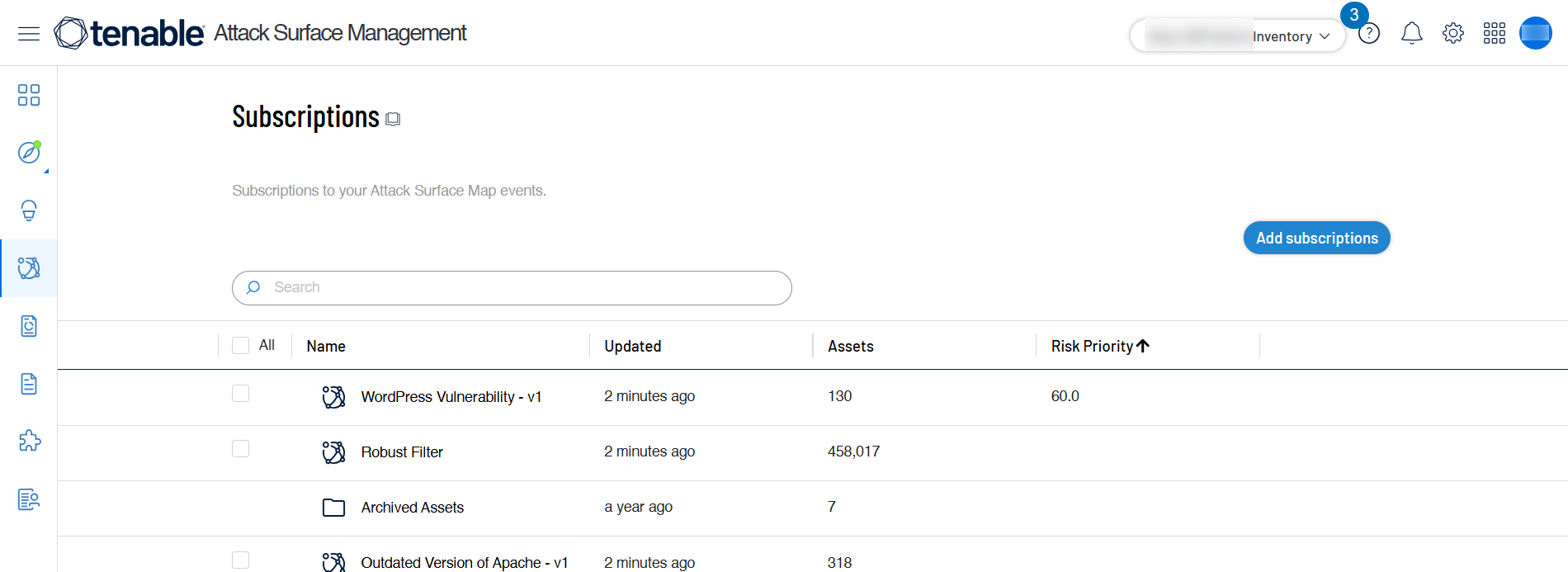
The Subscriptions page appears.
-
Click the Archived Subscriptions folder.
A list of archived assets appear.
-
(Optional) Use the available Filtering option to filter your assets and find what you need.
Note: For more information about the difference between archiving assets and deleting sources, see Archiving Assets vs. Deleting Sources.