Using Group By Options on the Software Page
Use the Group By controls above the software table to change how installed software data is organized. Each option provides a different perspective on your software inventory.
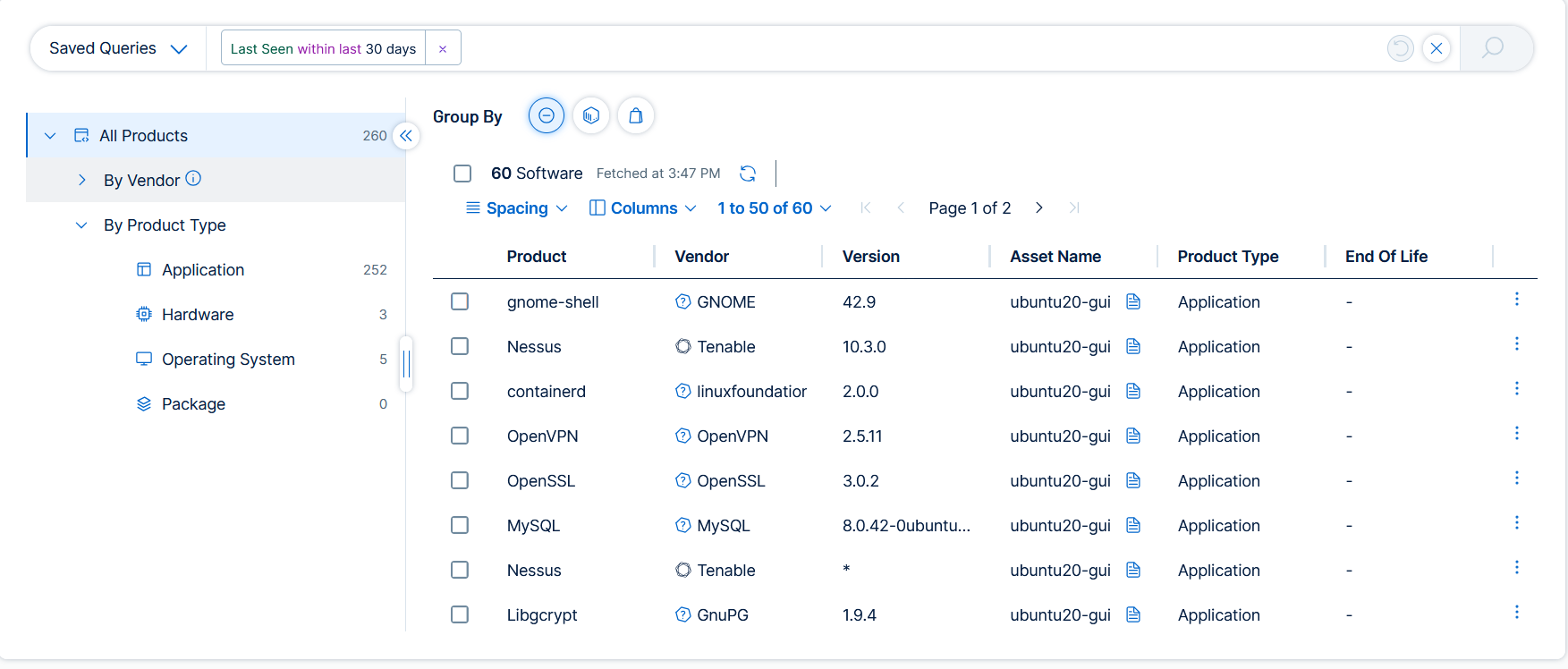
Group By None
Displays a flat list of all software instances. Each row represents a single software item on a specific asset. The table displays the following columns by default: Product, Vendor, Version, Product Type, and Asset Name.
Click any row to open the details panel for that software item. For more information, see View Software Details.
Group By Asset
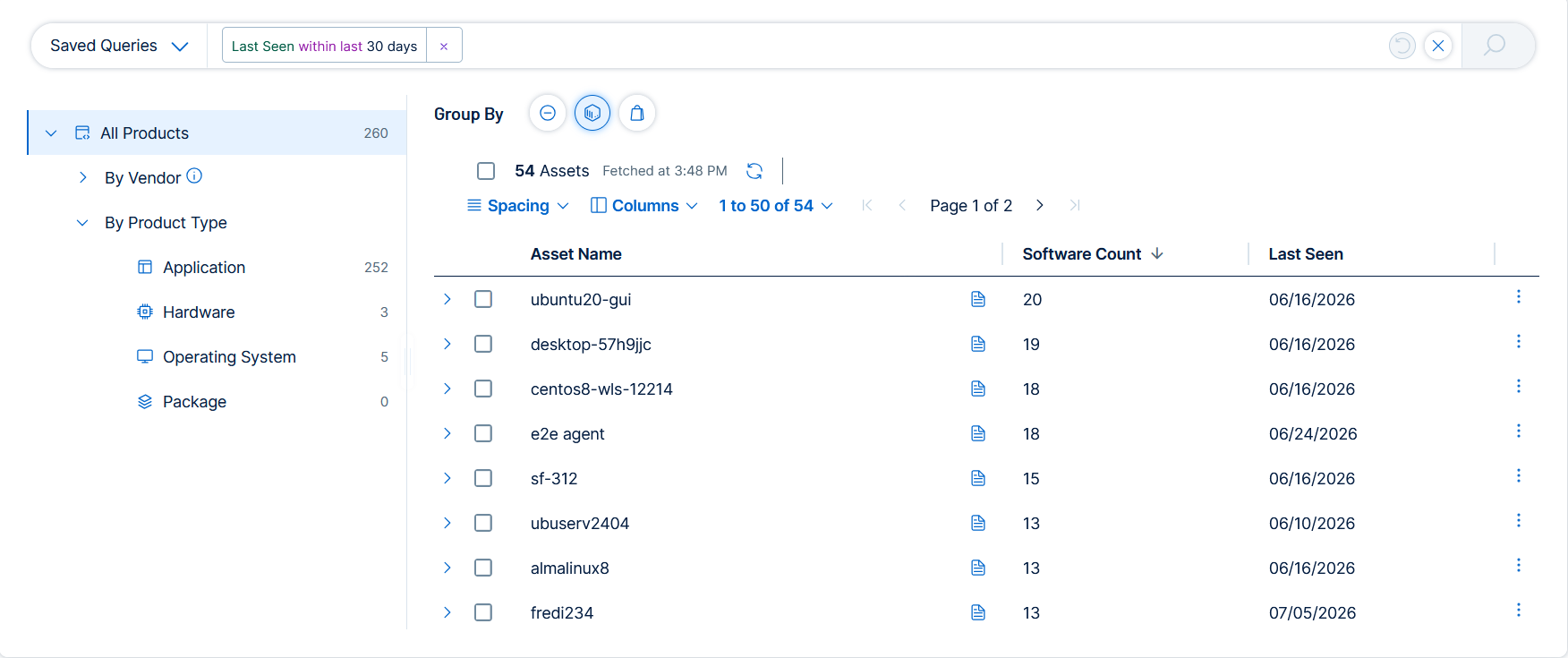
Groups installed software by the asset on which it was discovered. Each parent row represents an asset and displays the Asset Name, Software Count, and Last Seen date.
Click the expand arrow on a parent row to reveal a nested Software table showing all software detected on that asset. The nested table displays the following columns: Vendor, Product, Product Type, and Version. Click any row in the nested table to open the software details panel for that software item.
Group By Vendor
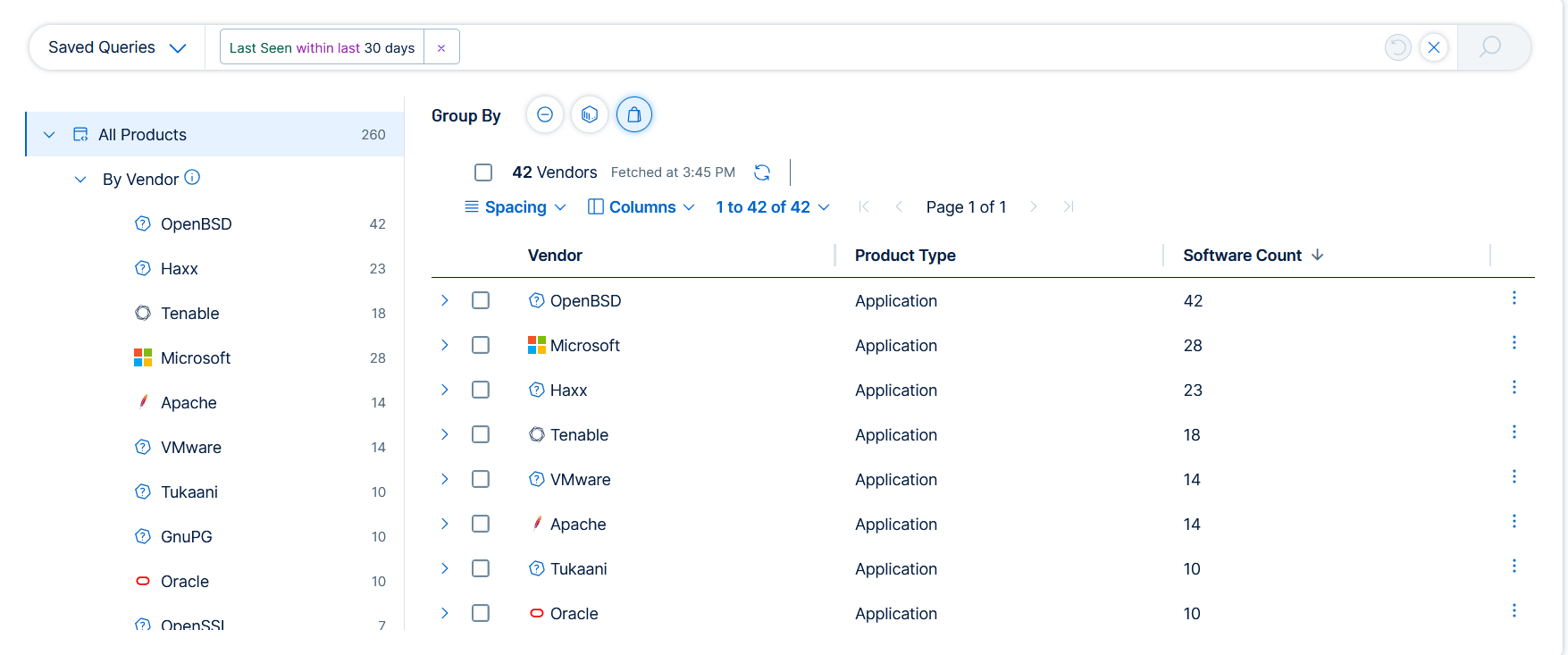
Groups installed software by vendor. Each parent row represents a vendor and displays the Vendor name, Product Type, and Software Count.
Click the expand arrow on a parent row to reveal a nested Software table showing all software from that vendor. The nested table displays the following columns: Vendor, Product, Product Type, Version, and Asset Name. Click any row in the nested table to open the software details panel for that software item.