Host Audits
Host audits assess workstations, services, or network devices to evaluate the configuration, hardening, and security controls applied to a target. Host audit findings appear on the Host Audits page, where you can use them to identify configuration gaps and support your compliance efforts. Audit checks return one of seven results: Passed, Failed, Warning, Info, Skipped, Error, or Unknown.
Tenable One Vulnerability Management automatically creates or updates host audit findings when scans complete or you import scan results and retains this data for 15 months.
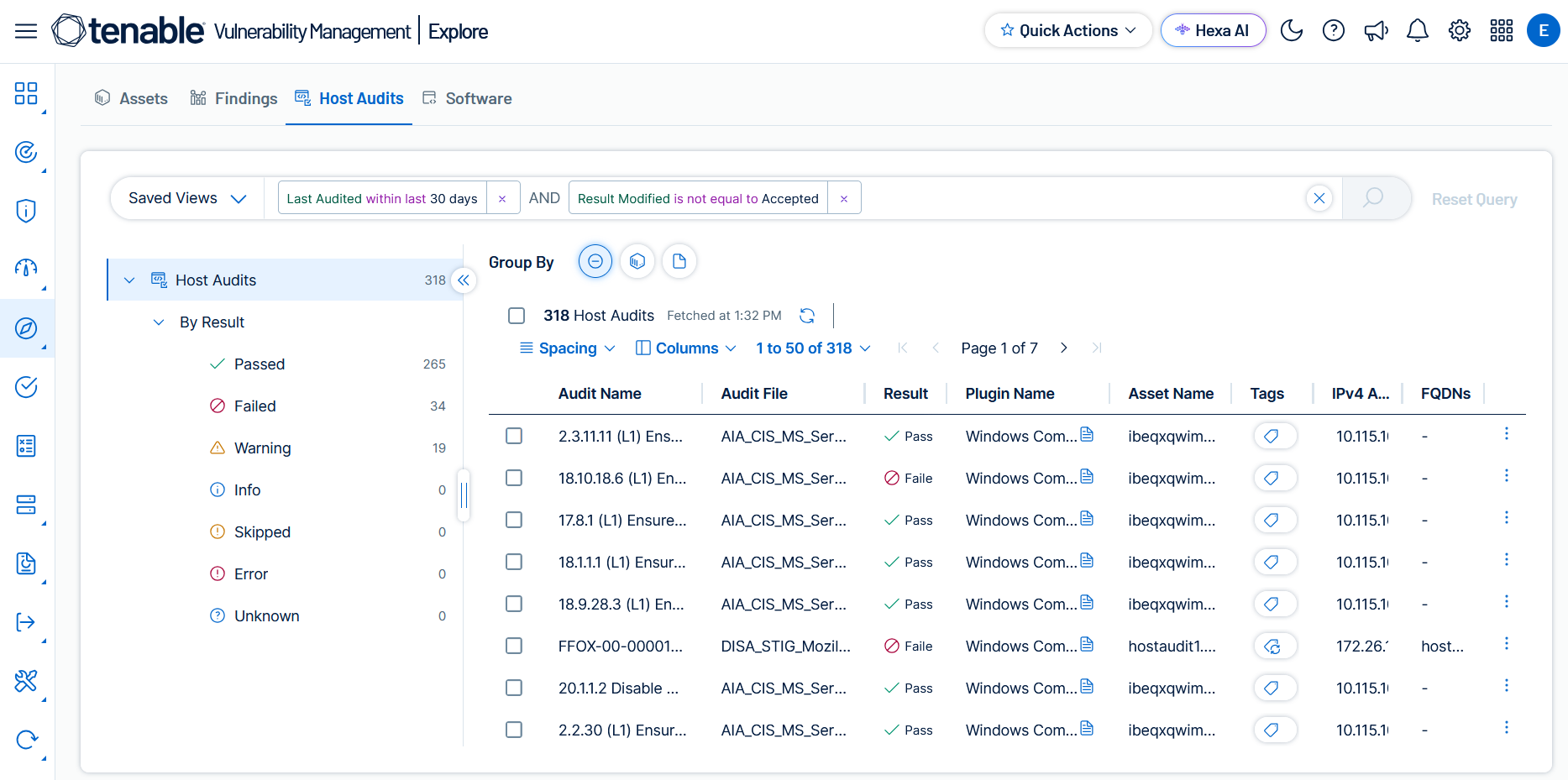
The following topics explain how to view and export host audit findings, build custom queries with filters, work with finding details, and more.