Run Elastic Asset Patterns
Required User Role: Active User, Cloud Connector Manager, or Business Administrator.
By default, Tenable One Attack Surface Management applies pattern changes during the next scheduled asset processing run. You can run your patterns immediately instead.
To run your elastic asset patterns:
-
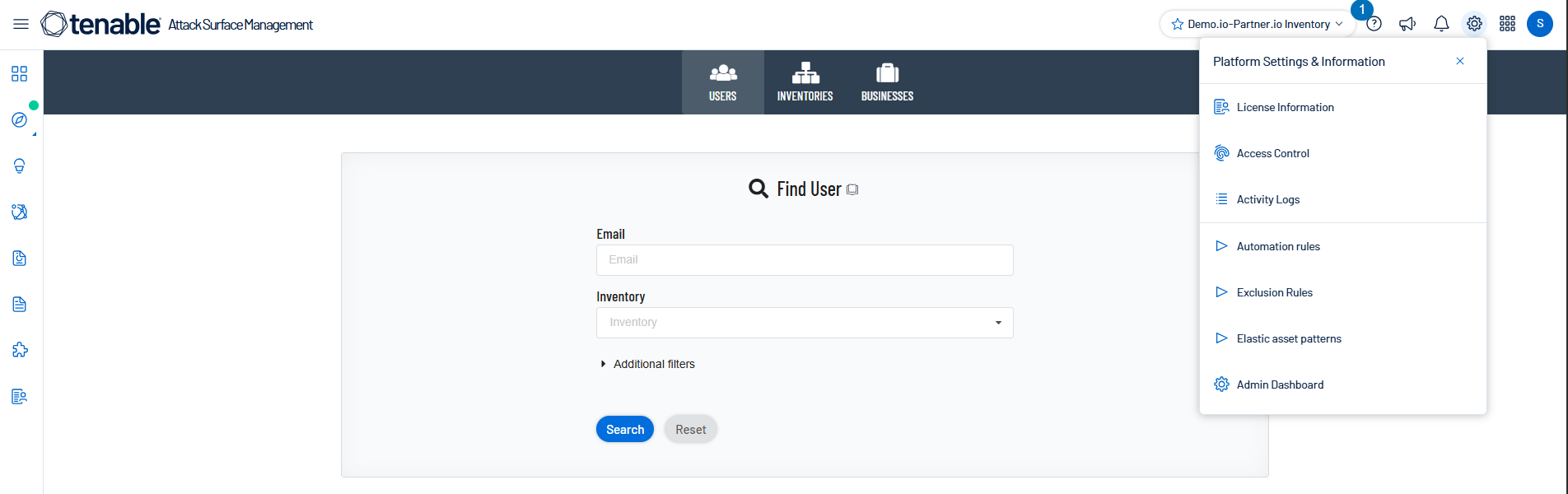
In Tenable One Attack Surface Management, click the
 icon in the upper-right corner.
The Settings and Information drop-down list appears.
-
In the drop-down list, click Elastic asset patterns.
The Elastic asset patterns panel appears.
-
Click Run patterns now.
Tenable One Attack Surface Management runs your elastic asset patterns and updates your inventory to reflect the patterns.
Note: On large inventories, this operation may take several minutes to complete.